
Desktop UI
The desktop UI is the visual control room for the agent loop. It shows the whole-codebase index, ranked offenders, quality history, file tree, code heatmap, and symbol context so an agent can work from a focused target instead of a blind prompt.
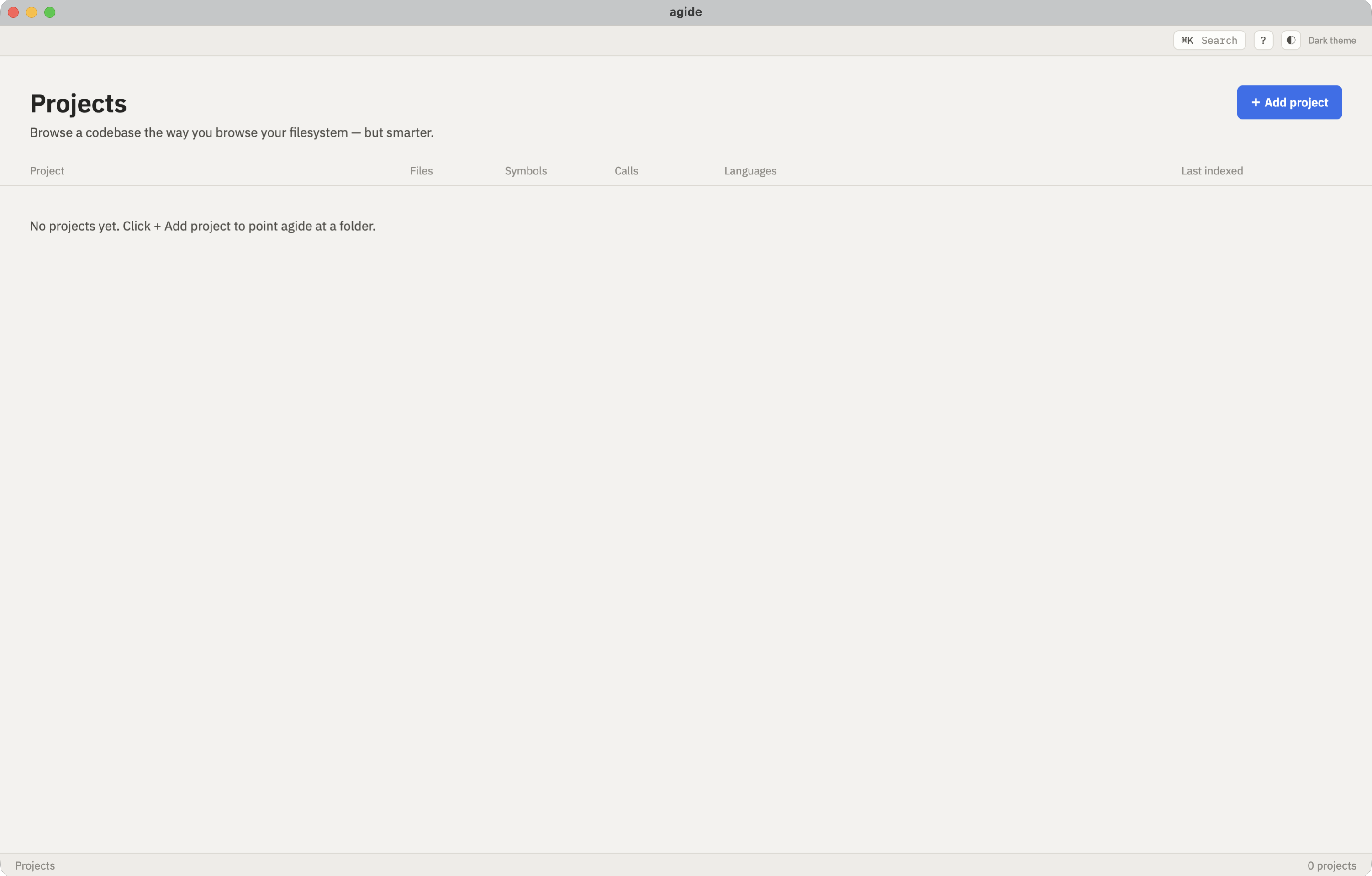
Add a Project
Section titled “Add a Project”Start by adding the repository you want AG.IDE to index. Generated index data is kept outside the source tree, so opening a project does not add build artifacts to the repository.
Project Overview
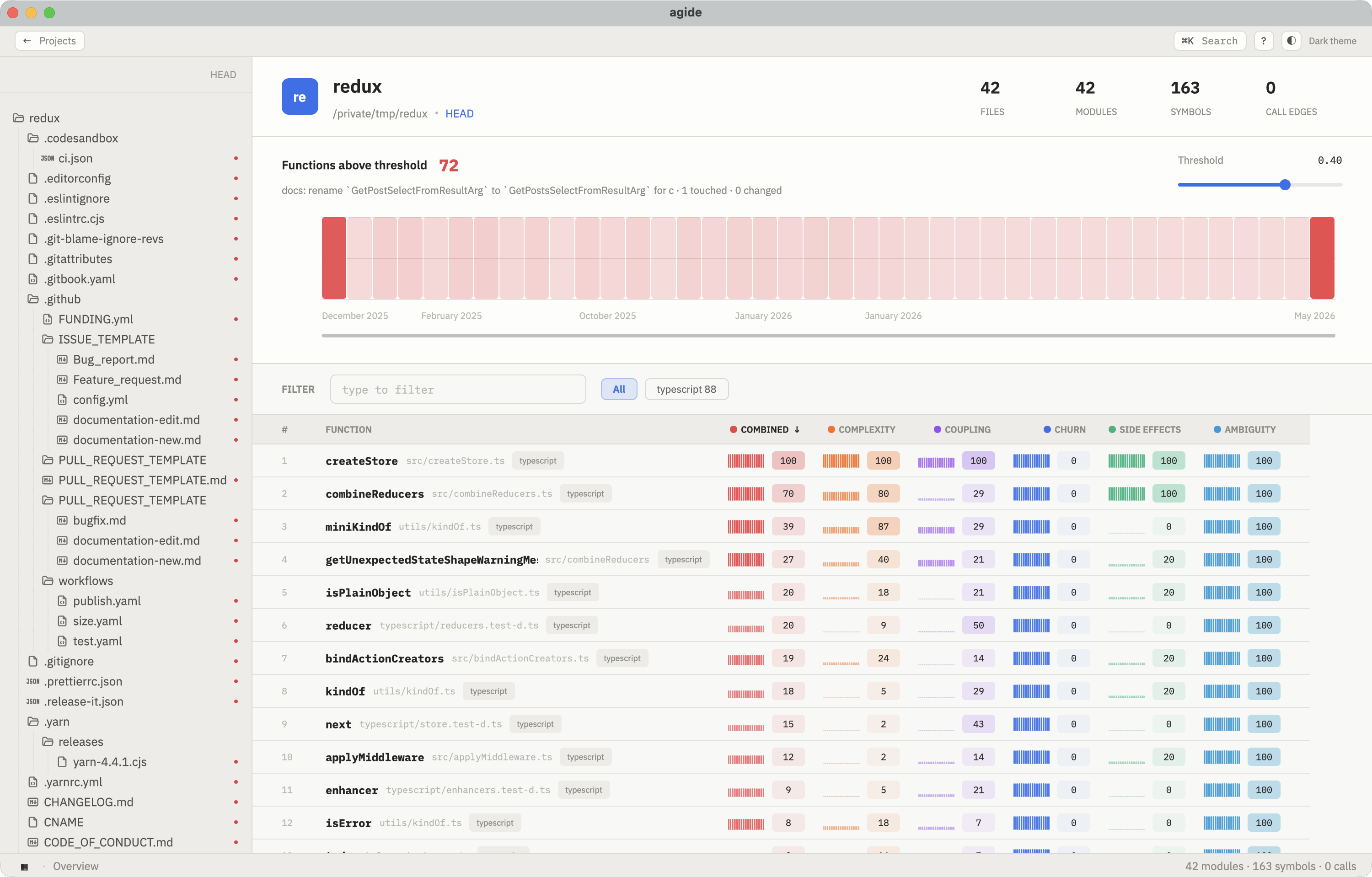
Section titled “Project Overview”The overview is the main workspace after indexing finishes. Use it to answer the questions that decide the next improvement pass:
- Is the project indexed and ready to query?
- Which files and functions are the worst offenders right now?
- How have risk, churn, and quality signals changed over recent history?
Code Detail View
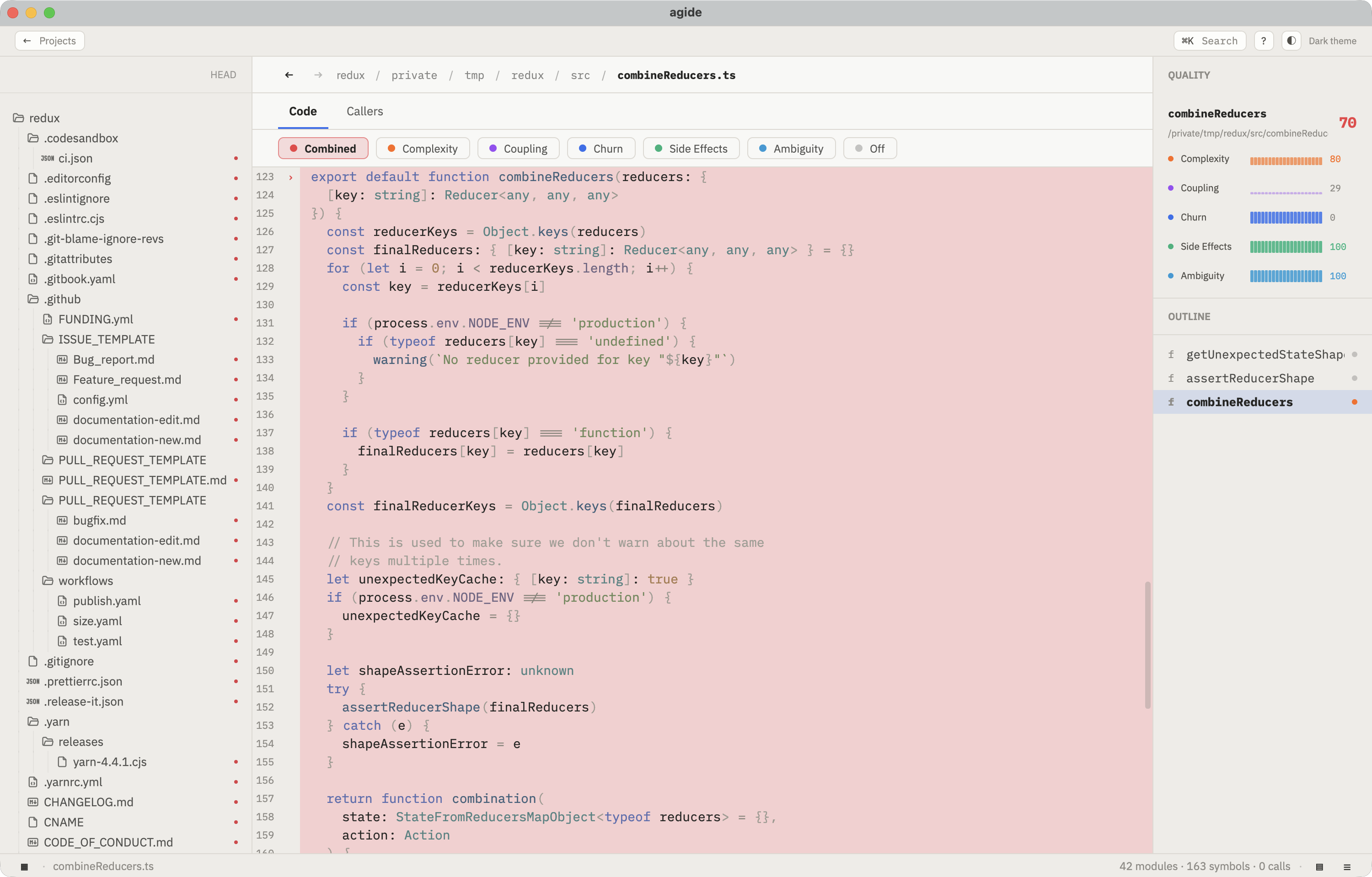
Section titled “Code Detail View”Click a ranked function or file to move from triage into understanding. The detail view keeps the source, heatmap, symbol context, graph, callers, siblings, and Git history in one place. The code pane supports mouse-wheel zoom, so dense files can be inspected at a comfortable size before you hand the target to an agent.
What to Look At First
Section titled “What to Look At First”History chart
Track whether repeated improvement passes are actually lowering risk over time.
Threshold control
Raise or lower the cutoff to move between broad exploration and focused triage.
File tree
Navigate from repository structure to the symbols and metrics AG.IDE extracted from each file.
Ranked functions
Pick the next offender for an agent to improve instead of choosing a target by intuition.
Code heatmap
Open a function to inspect highlighted source lines and zoom the code pane while reviewing.
Use the UI for orientation and target selection. Use the CLI when the same index-rank-understand-review loop needs to run from a script or agent workflow.